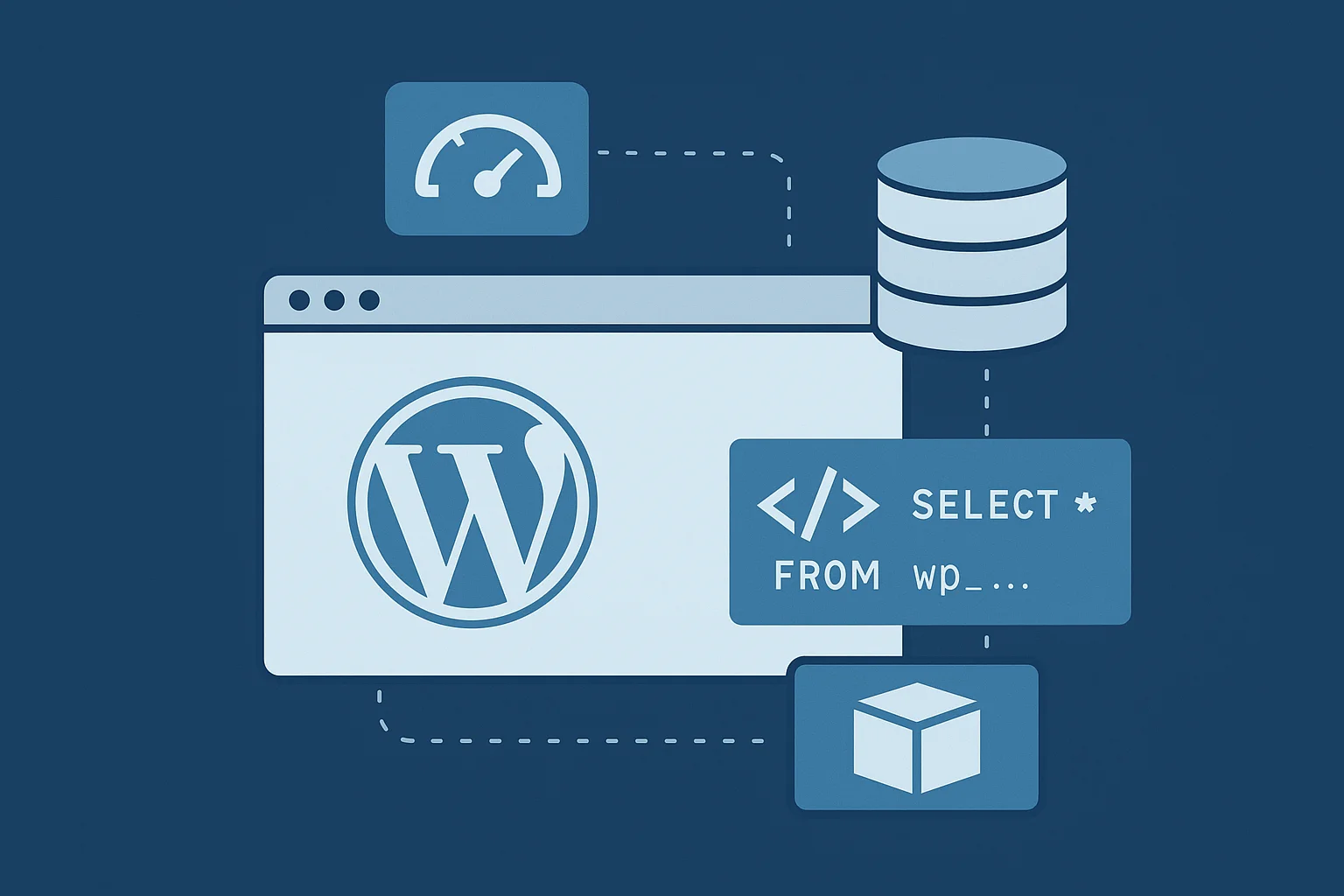
Performance determines how users experience a website. A slow WordPress site hurts search visibility, lowers conversions, and creates unnecessary load on the server. At Arhpez Technologies, we improve performance by optimizing caching layers, tuning database queries, and configuring persistent object caching with Redis or Memcached. This guide explains each part of the performance system with the technical depth developers need.
Why WordPress Performance Matters for Modern Websites
Search engines prioritize websites that load quickly. Users respond to websites that open without delay. WordPress can become slow when plugins create heavy queries or themes include large scripts. Performance tuning removes these blockages with a structured approach that focuses on cache layers, database behavior, and server-side optimizations. This is a routine part of our WordPress development services.
1. Understanding the Multiple Caching Layers in WordPress
Caching reduces repeated work. WordPress fetches content from the database, loads plugins, processes PHP, and runs template files for every uncached request. Caching saves the final output and delivers it directly.
There are three primary methods in use:
- Page cache
- Browser cache
- Object cache
Each layer plays a different role in performance.
2. Page Caching Explained With Practical Examples
Page caching stores the fully rendered HTML of each page. When a visitor lands on a cached page, the server provides a pre-rendered HTML file instead of processing WordPress.
Example: HTML Cache Output
A cached page might look like this:
| <!– Cached version generated at 2025-01-10 –> <!DOCTYPE html> <html> <head> <title>Example Page</title> <link rel=“stylesheet” href=“/wp-content/themes/theme/style.css”> </head> <body> <h1>Hello World</h1> </body> </html> |
This HTML is delivered instantly without running PHP.
Caching Plugins and Server Caches
Server-level solutions like NGINX FastCGI cache or LiteSpeed cache improve load speed significantly.
Example: FastCGI Cache Configuration
| location ~ \.php$ { include snippets/fastcgi-php.conf; fastcgi_pass unix:/run/php/php8.2-fpm.sock; fastcgi_cache WORDPRESS; fastcgi_cache_valid 200 30m; } |
This configuration stores page output for thirty minutes.
When to Avoid Page Caching
- Checkout pages
- Cart pages
- User dashboards
These pages need real-time data and must not be cached.
3. Browser Caching With Expiration Headers
Browser caching stores fonts, CSS, images, and scripts locally. It prevents the browser from re-downloading these files.
Example: .htaccess Browser Cache Rule
| <IfModule mod_expires.c> ExpiresActive On ExpiresByType text/css “access 30 days” ExpiresByType image/jpeg “access 60 days” ExpiresByType application/javascript “access 30 days” </IfModule> |
This rule instructs browsers to reuse static assets for long periods.
4. Database Query Optimization in WordPress
WordPress relies heavily on MySQL. Poorly optimized queries are the most common reason for slow websites. Plugins often cause repeated queries or missing indexes.
Find Slow Queries With Query Monitor
The Query Monitor plugin helps identify slow database queries.
Example query shown in Query Monitor:
| SELECT * FROM wp_postmeta WHERE post_id IN (123,456,789) |
If this query runs repeatedly, it shows inefficient query handling.
Common Causes of Slow Queries
1. Too Many Autoloaded Options
The wp_options table loads autoloaded entries on every page load.
Check autoloaded entries:
| SELECT option_name, LENGTH(option_value) FROM wp_options WHERE autoload = ‘yes’ ORDER BY LENGTH(option_value) DESC LIMIT 20; |
Large entries should be flagged for cleanup.
2. Missing Indexes
Some plugins make queries on wp_postmeta that require additional indexes.
Add an Index to Improve Meta Queries
| ALTER TABLE wp_postmeta ADD INDEX meta_key_post_id (meta_key, post_id); |
This index reduces full table scans.
3. Too Many Revisions
Clean up revisions:
| DELETE FROM wp_posts WHERE post_type = ‘revision’; |
4. Unused Transients
Remove expired transients:
| DELETE FROM wp_options WHERE option_name LIKE ‘_transient_%’ AND option_name NOT LIKE ‘%timeout%’; |
These steps keep the database light and responsive.
5. Object Cache and Persistent Cache Explained
Object caching stores query results and other internal data in memory. This helps reduce repeated database queries.
Example: Object Cache Use Inside WordPress
| $cache_key = ‘recent_posts_list’; $cached = wp_cache_get($cache_key, ‘custom_group’); if (!$cached) { $recent = wp_get_recent_posts(array(‘numberposts’ => 10)); wp_cache_set($cache_key, $recent, ‘custom_group’, 300); return $recent; } return $cached; |
This method prevents the same query from running repeatedly.
6. Persistent Object Cache With Redis
Redis stores cache entries across requests. This improves performance significantly for dynamic websites like WooCommerce stores.
Install Redis on Ubuntu
| sudo apt update sudo apt install redis-server |
Configure wp-config.php
| define(‘WP_REDIS_HOST’, ‘127.0.0.1’); define(‘WP_CACHE’, true); |
Verify Redis Keys
Check stored objects:
| redis-cli keys * |
A healthy Redis cache reduces database load during traffic spikes.
7. Persistent Object Cache With Memcached
Memcached also provides persistent caching.
Install Memcached
| sudo apt install memcached sudo apt install php-memcached |
Add to wp-config.php:
| define(‘WP_CACHE’, true); |
Both Redis and Memcached offer speed improvements when configured correctly.
8. PHP OPCache for Faster Execution
OPCache stores compiled PHP scripts in memory. This removes repeated compilation.
Example OPCache Configuration
| opcache.enable=1 opcache.memory_consumption=256 opcache.max_accelerated_files=20000 opcache.revalidate_freq=2 |
This reduces CPU work and improves dynamic page response time.
9. Reduce Plugin Load by Selective Script Loading
Heavy plugins load CSS and JS on every page. Use conditional loading to limit this.
Example: Load Plugin Scripts Only on Contact Page
| function custom_load_contact_scripts() { if (is_page(‘contact’)) { wp_enqueue_script(‘contact-form’); } } add_action(‘wp_enqueue_scripts’, ‘custom_load_contact_scripts’); |
Selective loading reduces render-blocking resources.
10. Disable Unused Widget and Block Features
Disable unused Gutenberg blocks:
| add_filter(‘allowed_block_types_all’, function ($allowed_blocks) { return array( ‘core/paragraph’, ‘core/image’, ‘core/heading’ ); }); |
This improves editor performance.
11. Clean Up Cron Jobs
Too many scheduled tasks slow down the system.
Check cron events:
| print_r(_get_cron_array()); |
Remove unused hooks:
| wp_clear_scheduled_hook(‘plugin_old_event’); |
12. Theme Optimization: Reduce Template Queries
Use transients to cache template data.
| $menu_cache = get_transient(‘header_menu’); if (!$menu_cache) { $menu_data = wp_get_nav_menu_items(‘primary’); set_transient(‘header_menu’, $menu_data, 600); return $menu_data; } return $menu_cache; |
This reduces repeated menu queries.
13. CDN Asset Delivery for Global Speed
A CDN stores static files across distributed servers. This improves loading for international visitors.
Use CDN rewriting:
| function rewrite_cdn_urls($url) { return str_replace( ‘https://example.com/wp-content/uploads’, ‘https://cdn.example.com/wp-content/uploads’, $url ); } add_filter(‘wp_get_attachment_url’, ‘rewrite_cdn_urls’); |
Conclusion
WordPress performance depends on structured optimizations across caching layers, database behavior, query load, object caching, PHP execution, and asset delivery. Caching removes unnecessary work. Database tuning removes bottlenecks. Object caching improves load on dynamic pages. OPCache speeds up execution. Conditional script loading prevents heavy front-end delays.
At Arhpez Technologies, we configure these layers carefully for large WordPress projects. Our WordPress development services support businesses that need consistent website performance with clean code, stable architecture, and long-term monitoring.
Frequently Asked Questions
What caching method improves speed the most in WordPress?
Page caching creates an instant improvement because it delivers pre-rendered HTML instead of rebuilding each page with PHP and database queries. Websites with heavy traffic or plugin load notice this change quickly. Dynamic websites often benefit further when Redis or Memcached is added because these systems reduce repeated queries.
Does Redis work with WooCommerce?
Redis supports WooCommerce very well. It stores frequently used query results in memory, which reduces the load on the database. Product pages, category filters, and account sections respond faster because they no longer trigger the same queries repeatedly.
Can MySQL indexing speed up WordPress?
Correct indexing helps the database locate data faster. Tables like wp_postmeta and wp_options can grow large over time, and custom indexes prevent slow lookups. This improves plugin performance and reduces page load delays.
How do I know which plugin slows my WordPress site?
Tools like Query Monitor or New Relic show detailed reports of slow queries, heavy hooks, and long PHP execution times. Once problem areas are identified, disabling plugins one by one helps confirm which one creates the slowdown.
Should I use WebP images for speed?
WebP images are smaller than JPEG and PNG files, so they load faster on all devices. This improves the user experience and helps meet performance targets such as LCP. Compressed WebP files provide a good balance of speed and quality.
How often should cron tasks be cleaned?
Cron tasks should be reviewed a few times a year to remove events left behind by old plugins. This prevents unnecessary background activity and keeps scheduled tasks running smoothly on busy websites.