First Things First: What Is WordPress?
WordPress is a free and open-source Content Management System (CMS) that lets anyone build a website without needing to code from scratch. It started as a blogging platform but has evolved into a full-scale website builder powering over 40% of all websites in 2025, from personal blogs and portfolios to large eCommerce stores and enterprise sites.
There are two versions:
WordPress.org: Self-hosted, gives you full control and customization options
WordPress.com: Hosted by WordPress with more limitations, but easier setup
At Arhpez Technologies, we recommend WordPress.org for anyone who wants long-term flexibility, better performance, and full ownership of their website. It’s the platform we use in our professional WordPress development services to create fast, secure, and scalable websites for our clients.
Who Is This Guide For?
This guide is perfect for:
- Business owners starting an online presence
- Freelancers wanting to manage client websites
- Junior developers new to CMS-based development
- Bloggers and creators exploring digital publishing
- eCommerce startups using WooCommerce
WordPress is a powerful entry point into web development. We’ve worked with clients from these exact backgrounds, helping them turn their ideas into scalable, secure, and visually impressive websites.
Setting Up: What Do You Need to Start?
Before you begin building, make sure you have the essentials:
1. Domain Name
This is your website’s address, like www.yoursite.com. Choose something short, memorable, and relevant to your brand or niche.
2. Hosting Provider
This is where your website files will live. Popular WordPress-friendly hosts in 2025 include SiteGround, Hostinger, Bluehost, and Cloudways. Look for ones that offer:
- 1-click WordPress installation
- Fast server response times
- Built-in backups and SSL certificates
3. WordPress Installation
Most hosts offer automated setup. Within a few minutes, you’ll have access to the WordPress Dashboard, your website’s control center.
Our team at Arhpez helps new users pick the right hosting plan, connect their domain, and configure initial settings to set them up for success.
Common Beginner Questions (and Our Honest Answers)
Q1: Do I need to know how to code?
No. WordPress is designed for non-developers. You can build entire websites using pre-built themes and the Gutenberg block editor, which is a drag-and-drop visual builder.
That said, learning basic HTML, CSS, and a little PHP will help you take your site further, especially if you want custom layouts or interactive features.
Q2: Can I change how my site looks?
Yes, and you don’t need a designer to do it.
WordPress offers thousands of free and premium themes that control your site’s layout and style. You can:
- Customize colors, fonts, and spacing
- Rearrange layouts using the Customizer or Full Site Editing (FSE)
- Use child themes if you want to safely tweak code without affecting the parent theme
We help clients choose performance-optimized themes and create custom themes when off-the-shelf options don’t meet their branding or UX needs.
Q3: What if I want to add a feature (like a contact form or store)?
That’s where plugins come in.
Plugins are like apps that add functionality. Need an SEO tool? Add Rank Math. Want an online store? Install WooCommerce. Plugins make it easy to scale and adapt your website.
Just don’t install too many; it slows your site down. At Arhpez, we audit plugins for security, compatibility, and performance before implementing them.
WordPress Development: What You Should Learn Next
Once you’ve built a basic site and are comfortable with the dashboard, explore these core areas to level up:
1. Theme Development
Learn how to build your own custom themes or modify existing ones using:
- style.css for styling
- functions.php for features
- index.php, header.php, footer.php for layout templates
2. Plugin Development
For advanced functionality, create your own plugin. You’ll work with PHP, WordPress Hooks, and APIs.
3. WordPress Database
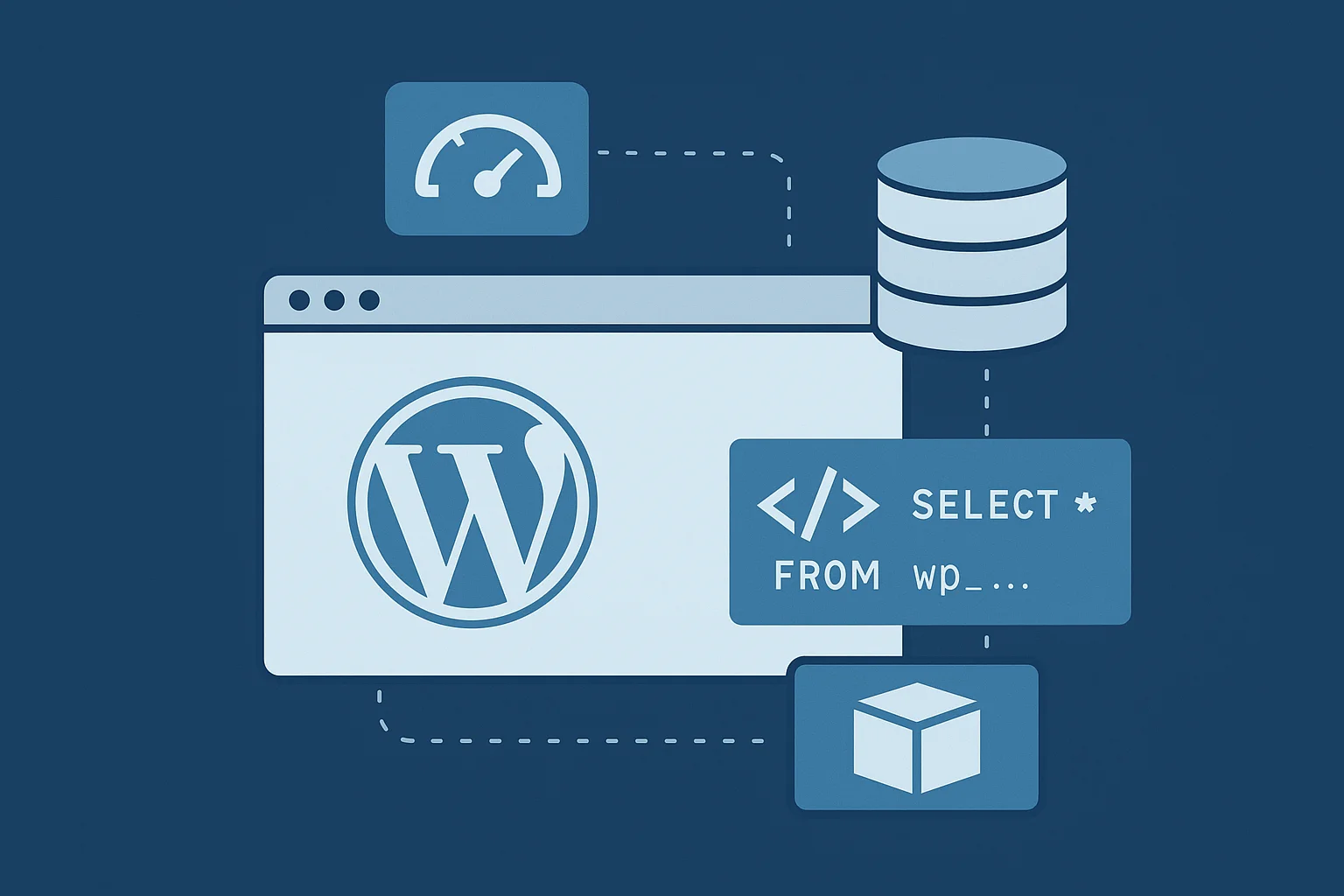
Understand how WordPress uses MySQL to store posts, settings, and user data. This helps when troubleshooting, optimizing, or building dynamic content.
4. APIs and Headless WordPress
Use the REST API to connect your WordPress backend to apps or a custom frontend (React, Vue, Next.js). This is great for high-performance or mobile-first projects.
At Arhpez, our WordPress Development Services go beyond setup; we help clients create custom themes, build secure plugins, implement API integrations, and explore modern development approaches like headless WordPress.
Avoid These Common Mistakes
If you’re just starting out, be careful to avoid these pitfalls:
- Installing too many plugins without checking the performance impact
- Choosing a bulky or outdated theme
- Not setting up SEO tools early on
- Skipping mobile responsiveness checks
- Ignoring site speed, caching, or backups
We regularly fix these issues for clients who started DIY and later hit performance or SEO roadblocks. Prevention is easier than correction.
What’s New in WordPress Development in 2025?
The WordPress ecosystem continues to evolve. Here’s what’s shaping development in 2025:
- Full Site Editing (FSE) is the new norm, letting users customize headers, footers, and templates with blocks
- AI Plugins now help with content generation, SEO optimization, and user behavior analysis
- Passkeys and 2FA have made logins more secure
- Accessibility compliance is more built-in, making your site usable for everyone by default
- Serverless and headless options are growing for developers who need more flexibility
We actively implement these trends into our WordPress projects to give our clients modern, scalable solutions.
Final Tips Before You Build
Here are some simple yet powerful tips that make a big difference:
- Keep everything updated: WordPress core, plugins, and themes
- Use strong passwords and enable two-factor authentication
- Run regular backups (use plugins like UpdraftPlus or Jetpack Backup)
- Use caching plugins to boost speed (like WP Rocket or W3 Total Cache)
- Always preview changes on mobile before publishing
Ready to Build? We’re Here to Help
WordPress development in 2025 offers more control, performance, and creative freedom than ever, and beginners have the tools to succeed.
But if you want a site that loads faster, converts better, and grows with your business, having the right technical partner makes all the difference.
At Arhpez Technologies, our WordPress development services include:
- Full-scale WordPress development
- Custom themes and plugins
- WooCommerce store setup
- Performance and SEO optimization
- Maintenance and long-term support
Whether you’re starting from scratch or need to upgrade an existing site, we’ll help you build something that’s not just functional, but impactful.
Let’s build your WordPress site the right way. Get in touch with us today.
Frequently Asked Questions
What is WordPress development and why is it popular in 2025?
WordPress development involves building, customizing, and managing websites using the WordPress CMS. In 2025, it remains one of the most popular platforms because it’s flexible, open-source, beginner-friendly, and supports everything from blogs to enterprise-level sites.
Do I need coding skills to start WordPress development?
No, beginners can create websites using drag-and-drop editors and pre-built themes. However, learning basic HTML, CSS, and PHP can help you customize your site further or develop your own themes and plugins.
What are the essential tools for starting WordPress development?
You’ll need a domain name, a reliable hosting provider, and the latest version of WordPress. Adding a performance-optimized theme and essential plugins for SEO, security, and backups will set a strong foundation for your website.
How can I make my WordPress site faster and more secure?
Keep your core files, themes, and plugins updated. Use caching and image optimization plugins, enable SSL, and install a security plugin like Wordfence or Sucuri. Strong passwords and regular backups are also important for long-term protection.
Why choose Arhpez Technologies for WordPress development services?
At Arhpez Technologies, we specialize in full-scale WordPress development, including custom themes, plugins, and WooCommerce stores. Our experts focus on performance, design, and SEO to help businesses build secure, scalable, and high-performing WordPress websites.