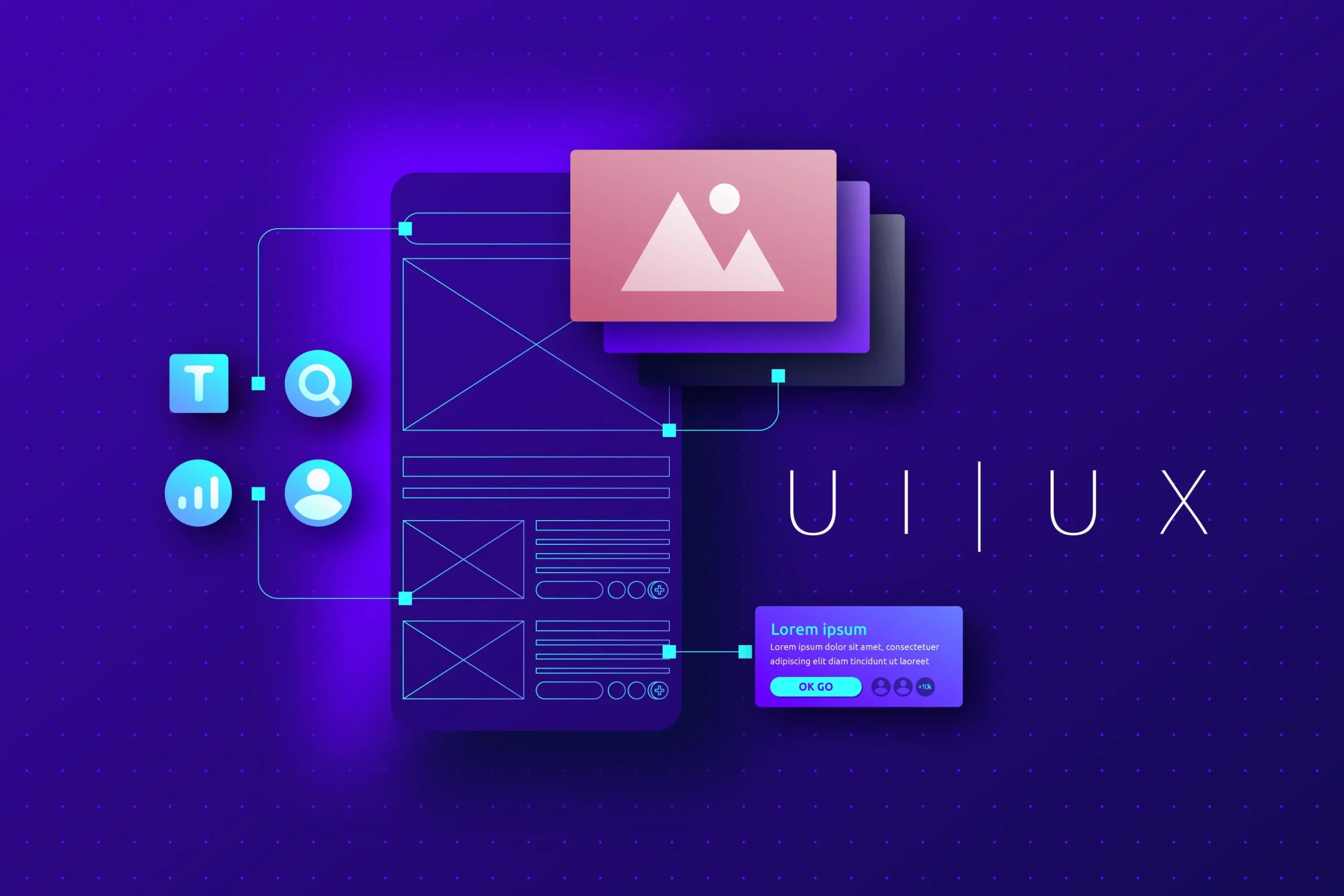
Good digital products feel simple the moment someone interacts with them. Nothing feels forced. Buttons appear where a user expects them. Information flows in a natural order. Visuals guide attention without distraction. This clarity never happens by accident. It comes from thoughtful UI and UX decisions that support the user at every step.
Beginners often believe design is about visuals alone, yet the foundation of UI/UX sits much deeper. At Arhpez Technologies, we use this discipline in all our product design services so clients can build meaningful digital experiences rather than just attractive screens.
The Purpose Behind Every Interface
The first step in UI/UX is understanding why a digital product exists. Each platform, app, or website serves a purpose, and that purpose must shape everything that comes after. Even the most polished interface fails when the core intent is unclear. Users want to complete a task. They look for certain signals. They expect information in a particular order. A designer must study these motivations before structuring anything on-screen.
This is why a digital product designer spends time learning about the audience. Behavior patterns reveal what people struggle with and where they hesitate. These insights influence layout, structure, navigation, interaction styles, and tone. When the purpose is clear, each design choice feels intentional.
You can explore a broader comparison of how UI/UX connects with product design in this guide: Learn more.
How Users Move Through a Design
Understanding the path a user takes through a product is a central part of UX. A person may open an app to complete a single action. They may explore a dashboard to check details. They may compare options. These situations require smooth guidance.
Beginners should observe how users naturally scan a page, which elements capture attention, and where confusion might occur. Motion on a screen should never force their attention. The interface should support a steady and predictable flow. Our ui/ux design services focus heavily on this early movement planning because each small adjustment can reshape how a user experiences the product.
The Value of Clear Structure
Structure gives design its backbone. It decides which element appears first, which appears next, and how information is layered. A beginner often jumps into color choices too quickly, yet structure matters far more at the early stage. A clear layout communicates importance, relationships, and action cues without saying a word.
Strong spacing also plays a vital role. Many new designers underestimate how much clarity comes from breathing room around elements. When whitespace supports the layout, the screen feels calmer, and users move through content without confusion.
Visual Choices That Support Understanding
Once the structure is sound, visuals help reinforce meaning. Color guides attention. Typography sets tone. Shapes hint at interactivity. Each choice must support usability. Beginners should remember that UI design is not decoration. It is communication.
A product that uses consistent visual patterns builds familiarity. When users recognize the same colors, button shapes, and layouts across screens, they move confidently through the experience. Consistency is one of the quiet forces behind product trust, and it is a principle we maintain across all design systems delivered through our product design services.
Designing for Real Devices
Today’s users switch between screens constantly. A layout that works on a widescreen monitor behaves differently on a phone. Buttons must adapt to touch. Typography must remain readable at small sizes. Interactions must adjust to different input methods.
A strong UI/UX approach treats mobile as a separate design environment rather than a compressed version of desktop. Beginners who adopt this mindset early learn to shape layouts that stay clear on every device.
Letting Feedback Shape the Final Design
Design grows stronger when feedback guides it. A small round of user testing reveals gaps a designer might miss. A prototype evaluated by real users often uncovers friction long before development begins. These insights save time and support better outcomes.
At Arhpez Technologies, we refine early designs by studying how users interact with wireframes and clickable prototypes. This step gives teams clarity before they commit to development. It also helps them understand how UI/UX choices influence overall product behavior.
Why Accessibility Strengthens Design
When a product supports users with different needs, it becomes stronger for everyone. Clear contrast, readable text, and meaningful labels help a wide audience move through a design without confusion. Beginners who treat accessibility as a core part of UI/UX produce cleaner interfaces and more adaptable layouts.
Good accessibility also improves product usability in challenging environments. Screen glare, small displays, and fast interactions all become easier when the design has been shaped with broader needs in mind.
UI/UX as an Ongoing Practice
Digital products evolve. New features appear. User preferences change. A strong UI/UX approach adapts with these shifts. Good design is not frozen at launch. It grows through observation, analytics, and recommendations from real users.
As a digital product design company, we continue supporting teams well after the first release. Each improvement cycle creates a smoother path for the user and strengthens the product’s long-term value. Contact us today to discuss your project!
Frequently Asked Questions
Why is UI/UX important for beginners to learn early?
It shapes how users experience a product. Beginners who learn these fundamentals early produce clearer, stronger designs that feel natural to navigate.
How does user research influence UI/UX?
Research uncovers what users expect to find at each step. It also highlights friction points. These details shape layout, structure, and flow.
What is the biggest mistake beginners make in UI/UX?
Many designers focus on visuals too soon. Structure, hierarchy, and user paths must come first.
How do your ui/ux design services support new teams?
We guide clients through early research, structural planning, design systems, and iterative testing. This helps them create a product that supports real user behavior.
Can product design services help after launch?
Yes. Post-launch improvements often come from user feedback and performance insights. These changes strengthen the product over time.