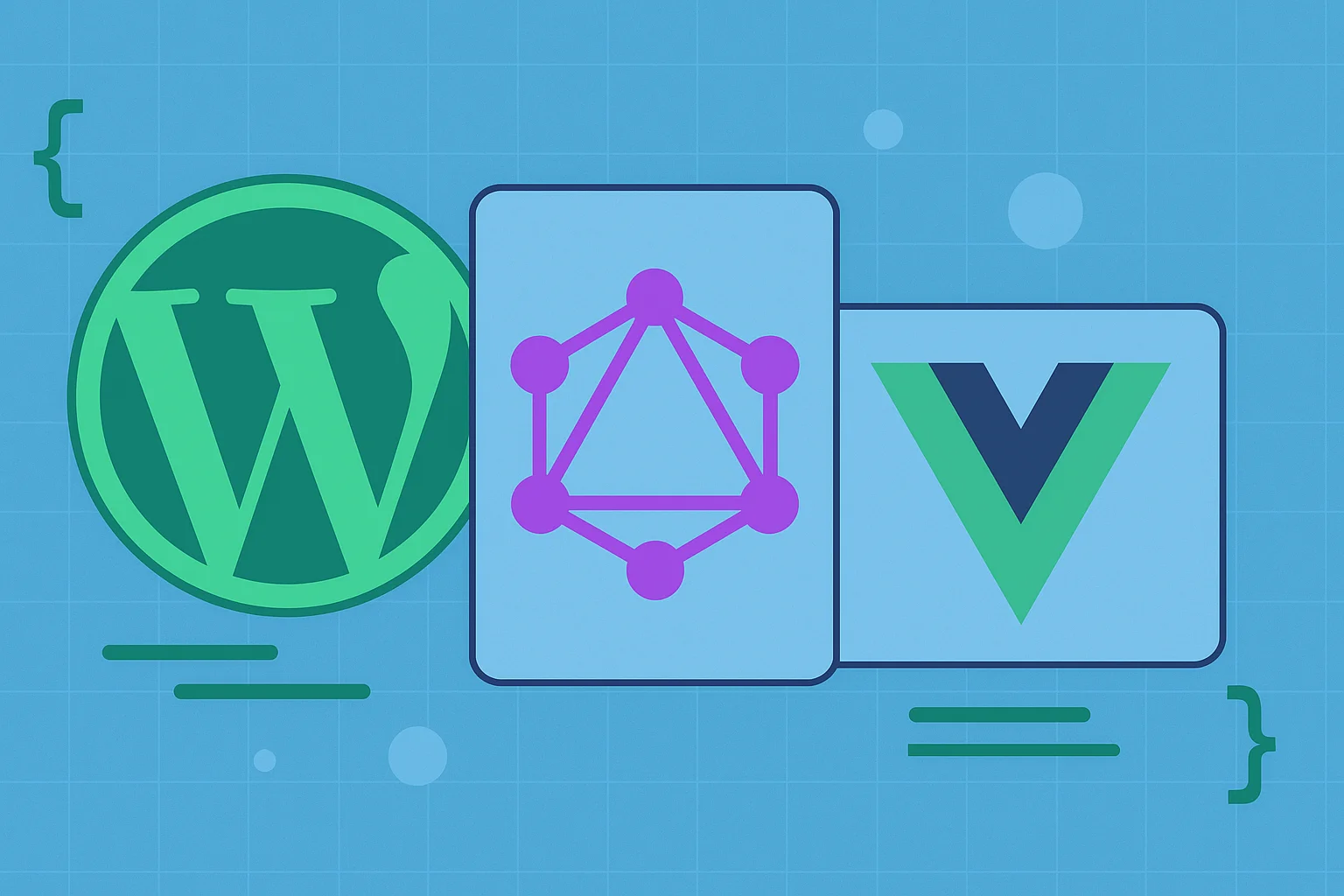
Headless WordPress has become a practical choice for teams building modern interfaces with frameworks like Vue. Decoupling the frontend gives developers more freedom in routing, state management, component architecture, and deployment. At the same time, WordPress continues to serve as a familiar and stable content system for editors.
At Arhpez Technologies, we build headless solutions through our WordPress development services that integrate WPGraphQL with modern frontend frameworks. This guide walks through the complete setup, explains how WPGraphQL works, and shows Vue developers how to create a predictable headless environment backed by a reliable API.
What Is Headless WordPress
Headless WordPress separates the presentation layer from the WordPress backend. WordPress stores posts, pages, media, menus, metadata, taxonomies, and custom fields. The frontend is built with a JavaScript framework such as Vue, Nuxt, or Vite powered Vue. The frontend retrieves data through APIs instead of relying on traditional PHP themes.
Why WPGraphQL Instead of REST
WPGraphQL provides a structured schema that ensures predictable queries and avoids underfetching or overfetching. The REST API often requires multiple requests for related data. WPGraphQL provides nested fields in one query. This helps Vue developers manage state and caching more cleanly.
Step 1: Prepare the WordPress Backend
Start with a clean WordPress installation. The next steps create the foundation for a headless setup.
- Install WPGraphQL
- Go to Plugins
- Install WPGraphQL
- Activate the plugin
Once activated, WordPress exposes a GraphQL endpoint at:
| /graphql |
Configure Permalinks
Set permalinks to Post Name for a stable API structure.
Optional Addons
These plugins are commonly used with headless projects.
- WPGraphQL for Advanced Custom Fields
- WPGraphQL Yoast SEO
- WPGraphQL JWT Authentication
These addons help expose metadata, custom fields, and SEO values to the frontend.
Step 2: Plan the Backend Data Structure
Vue applications rely on consistent schemas. We typically define:
- Post types
- Taxonomies
- Custom fields
- Menus
- SEO metadata
Plan the API structure before writing Vue components. This reduces rework during integration.
Example: GraphQL Query for Posts
| query GetPosts { posts { nodes { id title slug date featuredImage { node { sourceUrl } } } } } |
This retrieves titles, dates, images, and slugs in a single request.
Step 3: Create the Vue Project
A typical tech stack for Vue headless builds includes:
- Vue 3
- Vite
- Pinia or Vuex for state
- Vue Router
- Apollo Client for GraphQL
Create Project
| npm init vue@latest headless-wp cd headless-wp npm install |
Install Apollo Client
| npm install @apollo/client graphql |
Step 4: Configure Apollo Client in Vue
Create a file named apollo.js.
| import { ApolloClient, InMemoryCache } from “@apollo/client”; const client = new ApolloClient({ uri: “https://yourdomain.com/graphql”, cache: new InMemoryCache() }); export default client; |
Integrate it with your main.js file.
| import { createApp } from ‘vue’; import App from ‘./App.vue’; import client from ‘./apollo.js’; import { DefaultApolloClient } from ‘@vue/apollo-composable’; const app = createApp(App); app.provide(DefaultApolloClient, client); app.mount(‘#app’); |
Step 5: Fetch WordPress Data in Vue
Create a component that displays posts.
| import { useQuery, gql } from ‘@vue/apollo-composable’; const GET_POSTS = gql` query GetPosts { posts { nodes { id title slug } } } `; export default { setup() { const { result, loading, error } = useQuery(GET_POSTS); return { result, loading, error }; } }; |
Use the data in your template.
| <template> <div v-if=“loading”>Loading…</div> <div v-else> <div v-for=“post in result.posts.nodes” :key=“post.id”> <h2>{{ post.title }}</h2> </div> </div> </template> |
Step 6: Handle Routing for Pages and Posts
A headless site requires custom routes for dynamic pages.
Vue Router Configuration
| const routes = [ { path: ‘/’, component: Home }, { path: ‘/:slug’, component: SinglePage } ]; |
Single Page Query
| query GetPage($slug: String!) { pageBy(uri: $slug) { title content featuredImage { node { sourceUrl } } } } |
Step 7: Manage SEO Data
Install WPGraphQL Yoast SEO to expose SEO fields through GraphQL.
Example query:
| seo { title metaDesc } |
Vue can inject these values into <head> using vue-meta or Nuxt’s built-in head management when using Nuxt.
Step 8: Authentication for Protected Content
Install WPGraphQL JWT Authentication.
Vue must send a token with protected queries.
| headers: { Authorization: `Bearer ${token}` } |
This is useful for dashboards, member areas, or editorial tools.
Step 9: Deployment Strategy
Vue builds are static by default, and WordPress remains on a traditional PHP host.
Typical setup we use at Arhpez Technologies:
- Vue hosted on Netlify or Vercel
- WordPress hosted on a managed server
- Cache and CDN layers for media and GraphQL responses
CI/CD can be added to automate builds whenever WordPress content updates.
Best Practices for a Stable Headless Stack
- Plan content models early
- Use caching strategies for GraphQL queries
- Monitor API response times
- Keep WPGraphQL updated
- Avoid unnecessary plugins
- Follow consistent naming for ACF fields
- Test for large queries
Vue applications respond well to structured and predictable APIs, making WPGraphQL a dependable choice for long-term scalability.
Conclusion
Headless WordPress with WPGraphQL gives Vue developers a predictable and flexible foundation for building modern interfaces backed by a stable content system. A structured GraphQL schema, clean data fetching, and a fully decoupled frontend allow teams to create faster sites with better control over component architecture and routing. At Arhpez Technologies, we support these architectures through our WordPress development services, helping teams build reliable headless platforms that encourage long-term growth, smoother content operations, and strong technical performance. This setup works well for businesses that want a scalable content workflow supported by a fast and maintainable Vue application. If you want to build a stable headless solution that connects WordPress with a modern Vue frontend, reach out to our team to begin your project.
Frequently Asked Questions
What is the benefit of using WPGraphQL for a headless WordPress site?
WPGraphQL provides structured queries and predictable schemas that reduce the number of requests needed to fetch content. It works smoothly with Vue, Apollo Client, and modern frontend workflows.
Is Vue suitable for headless WordPress projects?
Vue is a strong fit because it offers a component-based structure, flexible state management, and fast build tools. It also integrates well with GraphQL clients used in headless development.
What is the difference between WPGraphQL and the REST API in WordPress?
The REST API returns fixed responses that often require several separate requests. WPGraphQL returns nested fields in one query, which helps reduce API calls and improves frontend performance.
What tools do Vue developers need for a headless WordPress build?
The common tools include Vue 3, Vite, Apollo Client, Vue Router, and Pinia or Vuex. These create a reliable environment for consuming GraphQL data.
Can WPGraphQL expose custom fields created in ACF?
Yes. WPGraphQL for Advanced Custom Fields allows Vue developers to fetch custom content structures without additional plugins or manual API coding.
How does SEO work in a headless WordPress website?
WPGraphQL Yoast SEO exposes all SEO fields to Vue. These values can be injected into the page head during rendering. This ensures proper indexing and metadata updates even in a decoupled setup.
Can a headless Vue site be deployed on Netlify or Vercel?
Yes. Vue builds are static and can be deployed to both platforms without extra configuration. The WordPress backend can remain on a separate server.