Running a WordPress website is usually smooth, but problems can appear when plugins conflict, themes break, or updates don’t behave the way you expect. These issues can limit performance, interrupt conversions, and disrupt user experience. At Arhpez Technologies, we help businesses keep their sites stable by applying reliable development practices and technical troubleshooting through our WordPress development services.
This guide covers ten of the most common WordPress problems and explains clear solutions for each one.
1. White Screen of Death (Blank Page)
A blank white page is one of the most confusing issues for WordPress users. It usually appears due to PHP errors, corrupted files, or memory exhaustion.
How to fix it:
Start by disabling plugins through the hosting panel or file manager. Switch to a default WordPress theme to see if the issue relates to theme code. If the problem continues, increase the PHP memory limit through wp-config.php. These steps help isolate the root cause and restore access.
2. Plugin Conflicts
Plugins add valuable functionality, but conflicts often happen when two or more plugins rely on the same script or outdated code.
How to fix it:
Turn off all plugins, then activate them one by one until the faulty plugin causes the issue again. Once identified, update it or replace it with a trusted alternative. Regular plugin maintenance helps prevent major failures.
3. Slow Website Speed
A slow site increases bounce rates and hurts search visibility. Heavy themes, large images, and excessive scripts are usually responsible for poor loading times.
How to fix it:
Compress images, activate caching, remove inactive plugins, and switch to a lightweight theme. These steps help improve loading speed and create a smoother experience for users. At Arhpez Technologies, we optimize performance by applying clean development practices that keep your site stable and responsive.
4. Error Establishing a Database Connection
This error appears when WordPress cannot access the database. Incorrect login credentials, a corrupted database, or server problems typically cause it.
How to fix it:
Confirm that your database name, username, password, and host are correct in wp-config.php. If everything looks fine, repair the database using the built-in WordPress repair function or through phpMyAdmin.
5. Broken Layout After Updates
A theme or plugin update can disrupt the layout of your pages. Styles may appear misaligned or completely missing.
How to fix it:
Clear your cache, then regenerate CSS files from the theme settings panel. If the layout continues to break, roll back the update or restore a previous version from your backups. This prevents design inconsistencies.
6. 404 Errors on Pages or Posts
If pages load with a 404 error, your permalink settings may be corrupted.
How to fix it:
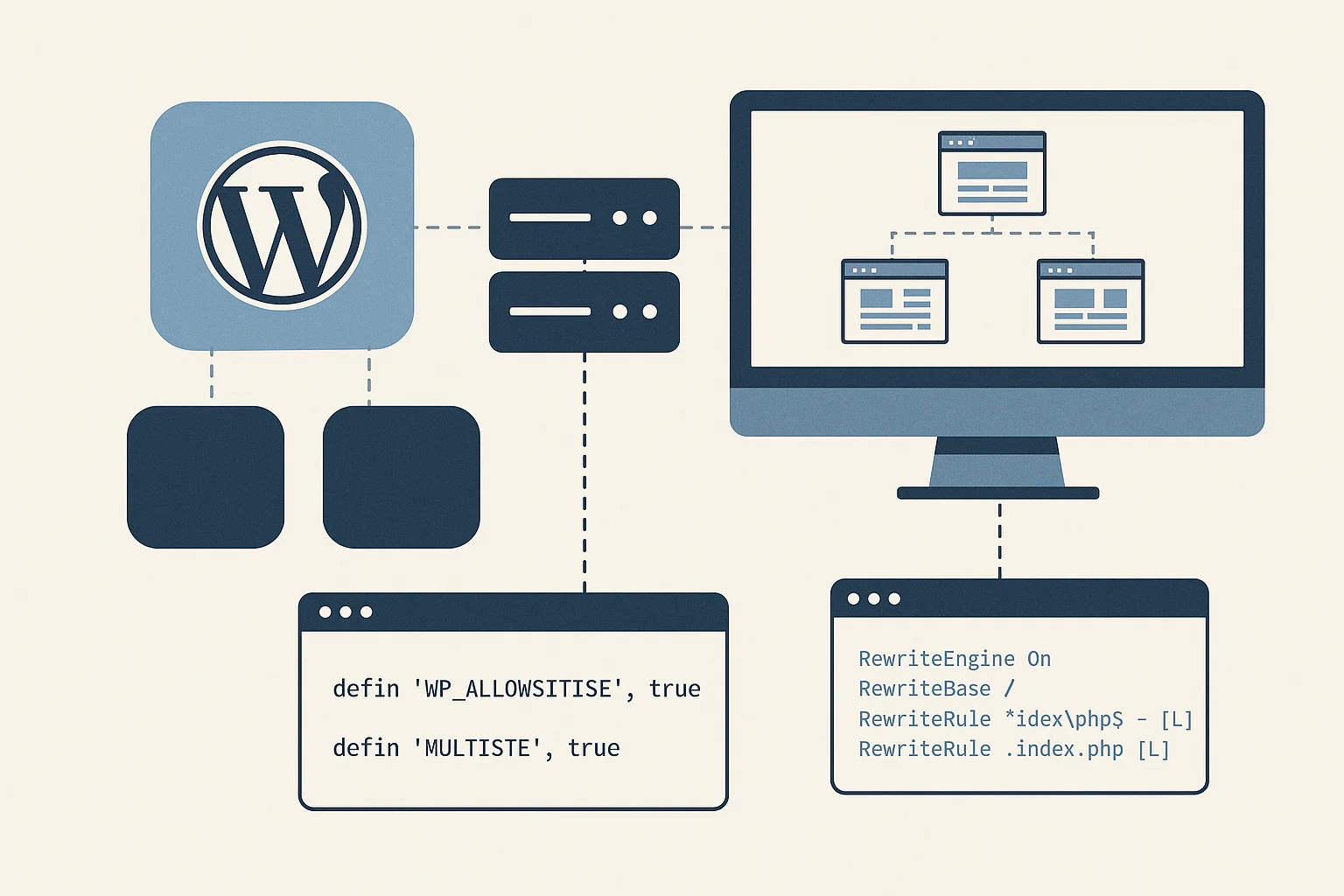
Go to Settings > Permalinks and click Save without changing anything. This refreshes the permalink structure. If the issue still appears, inspect the .htaccess file and confirm that WordPress rewriting rules are present and intact.
7. Security Vulnerabilities
WordPress is secure when configured properly, but outdated plugins, weak passwords, and exposed login pages create risks.
How to fix it:
Use strong passwords, limit login attempts, update all components regularly, and install security scanning tools. Routine audits protect your site from common attacks. We also handle hardening practices as part of our WordPress development services to support long-term site stability.
8. Images Not Uploading or Displaying
This issue usually comes from incorrect file permissions or conflicts inside the media library.
How to fix it:
Set the uploads folder to the correct permission level, usually 755. If images still fail, reset the media path under Settings > Media. Clearing your browser cache can also resolve incorrect previews.
9. Email Notifications Not Sending
Many WordPress contact forms fail to deliver emails because of incorrect server configurations.
How to fix it:
Install an SMTP plugin and connect your domain email. SMTP routes messages through a verified sender, improving deliverability across all major email platforms. This method fixes most missing email issues.
10. Outdated or Vulnerable Themes
Old themes often stop receiving updates, which causes compatibility issues with newer versions of WordPress.
How to fix it:
Switch to a modern theme supported by active developers. Before making changes, test the new theme in a staging environment to avoid disrupting the live site. A supported theme provides better stability and long-term reliability.
Final Thoughts
WordPress is powerful and flexible, but problems can arise if updates, plugins, and themes aren’t managed carefully. Most issues are avoidable with planned maintenance, clean coding practices, and consistent monitoring. At Arhpez Technologies, we help businesses keep their websites stable through structured development workflows and professional WordPress development services designed to support growth and long-lasting performance. Contact us today for help with your website issues.
Frequently Asked Questions
How do I prevent WordPress issues in the future?
Regular updates, reliable hosting, scheduled backups, and routine plugin audits help reduce risks. Keeping your site under a structured maintenance plan gives you more stability.
Why does my WordPress website load slowly?
Large image sizes, unoptimized scripts, and heavy themes are common causes. Page speed improves when images are compressed, caching is enabled, and unused plugins are removed.
What should I do if my site crashes after an update?
Use your hosting panel to switch off plugins or restore a recent backup. Testing updates in a staging environment also reduces chances of site-wide crashes.
Why are my WordPress emails not sending to customers?
Most issues relate to hosting restrictions. Connecting an SMTP plugin with your domain email resolves the problem and improves message delivery.
How often should I update plugins and themes?
Check for updates weekly. Suitable maintenance helps you avoid conflicts and vulnerabilities that appear when outdated files stay active.